
Pixelait
TE Pro Logo
AI-powered Text Extractor

Convert Images to Text

Turn images, screenshots, documents, and even handwritten notes
into editable text with our fast and accurate AI tool.
TE Pro Banner

Key Features

Image to Text

Image to Text Conversion

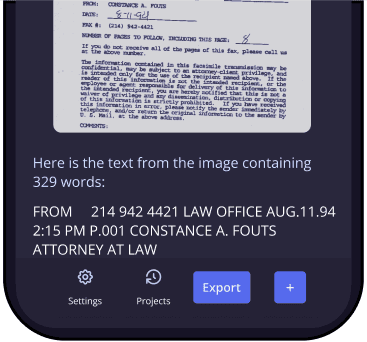
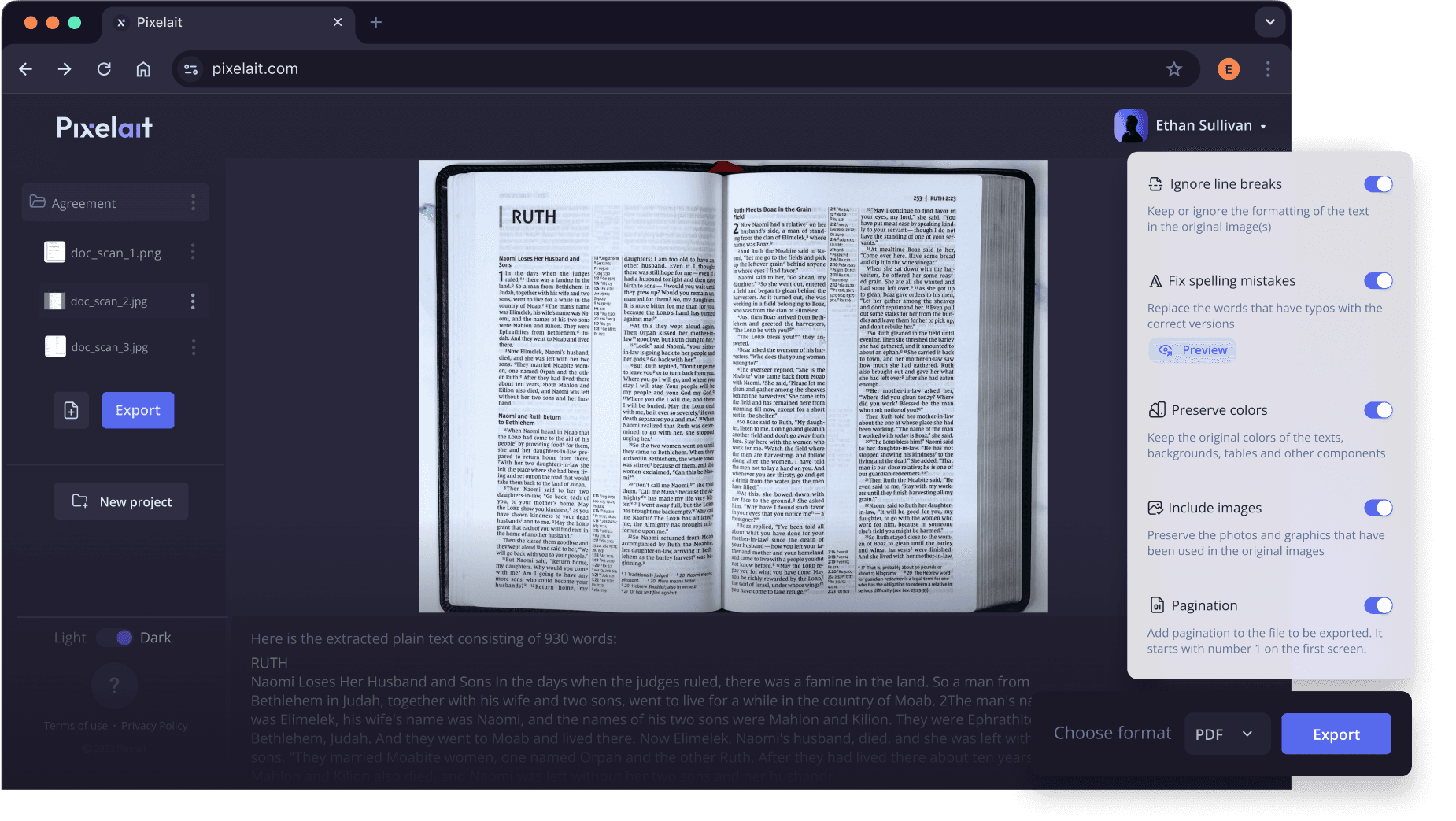
Transform any image into text quickly and easily. Whether it's a screenshot, a scanned document, or a photo, our tool handles it all with just a few clicks.

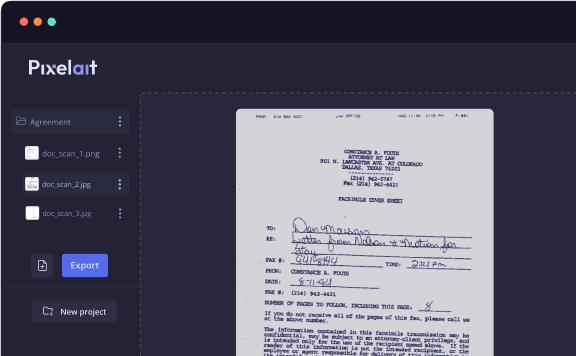
Bulk Image Upload

Upload and convert multiple images at once, perfect for large projects.
Bulk Upload
AI Powered

Accurate AI-Powered Text Extraction

Our advanced AI technology ensures precise text extraction, even from complex images and handwritten notes. No matter the content or format, you can rely on our tool for high accuracy.

Custom Cropping

Custom Cropping

Select and crop any fragment of an image to focus on and extract specific text, ensuring you get exactly what you need.

Copy Edit Export

Copy, Edit, and Export

Easily copy the extracted text to your clipboard, edit it directly on our platform, or export it as a multi-page PDF for future use. Our tool gives you the flexibility to manage your text however you need.

Free and Fast

Free and Fast

Enjoy all the essential features at no cost. Our tool is designed to deliver results in seconds, making your text extraction process faster and more efficient.
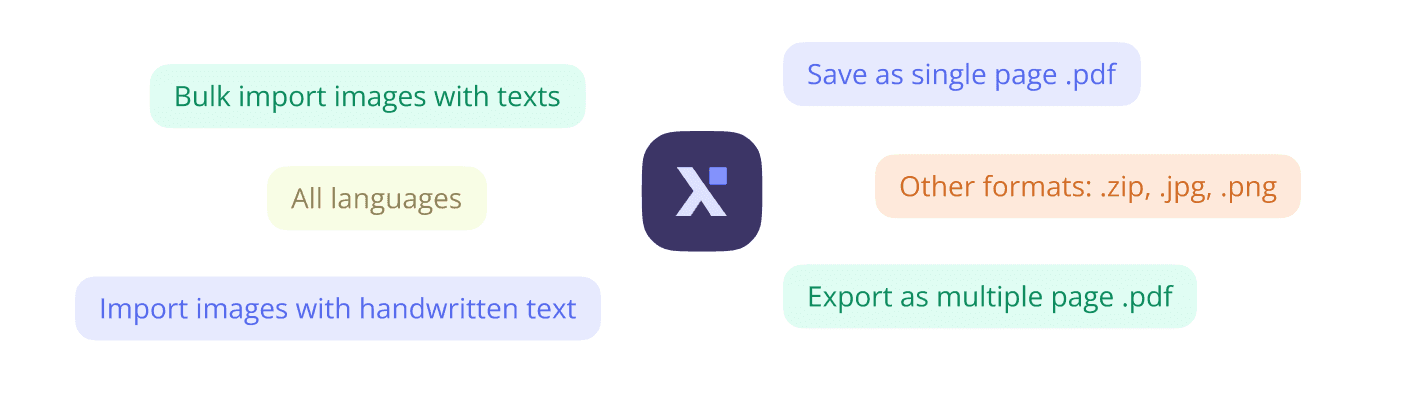
Advanced Export

Advanced Export Options

Export your extracted text to various formats, including multi-page PDFs, for easy sharing and archiving.

Which are the main cases people use Pixelait's Text Extractor?

Book Scans

Book Scans

Convert scanned pages of books into editable text, making it easier to edit, annotate, or quote passages for your research or projects.
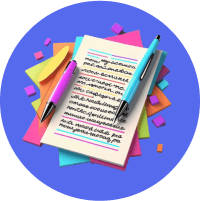
Handwritten Notes

Handwritten Notes

Digitize handwritten notes for easy sharing, editing, or archiving. Our tool accurately captures the nuances of handwritten text.
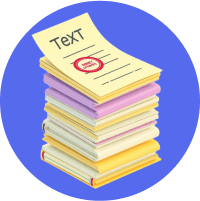
Business Documents

Business Documents

Extract text from scanned contracts, invoices, and other important documents without the need to retype. Streamline your document management process.

Content Creation

Content Creation

Repurpose text from images for blogs, social media, or other digital platforms. Quickly turn visual content into written text that you can edit and publish.

Testimonials

What Users Say?

Our users love us because our text extraction tool is trusted by many professionals around the world, who use it every day to make their work easier. Join our community of satisfied users by trying the premium version- designed to be your best work buddy!
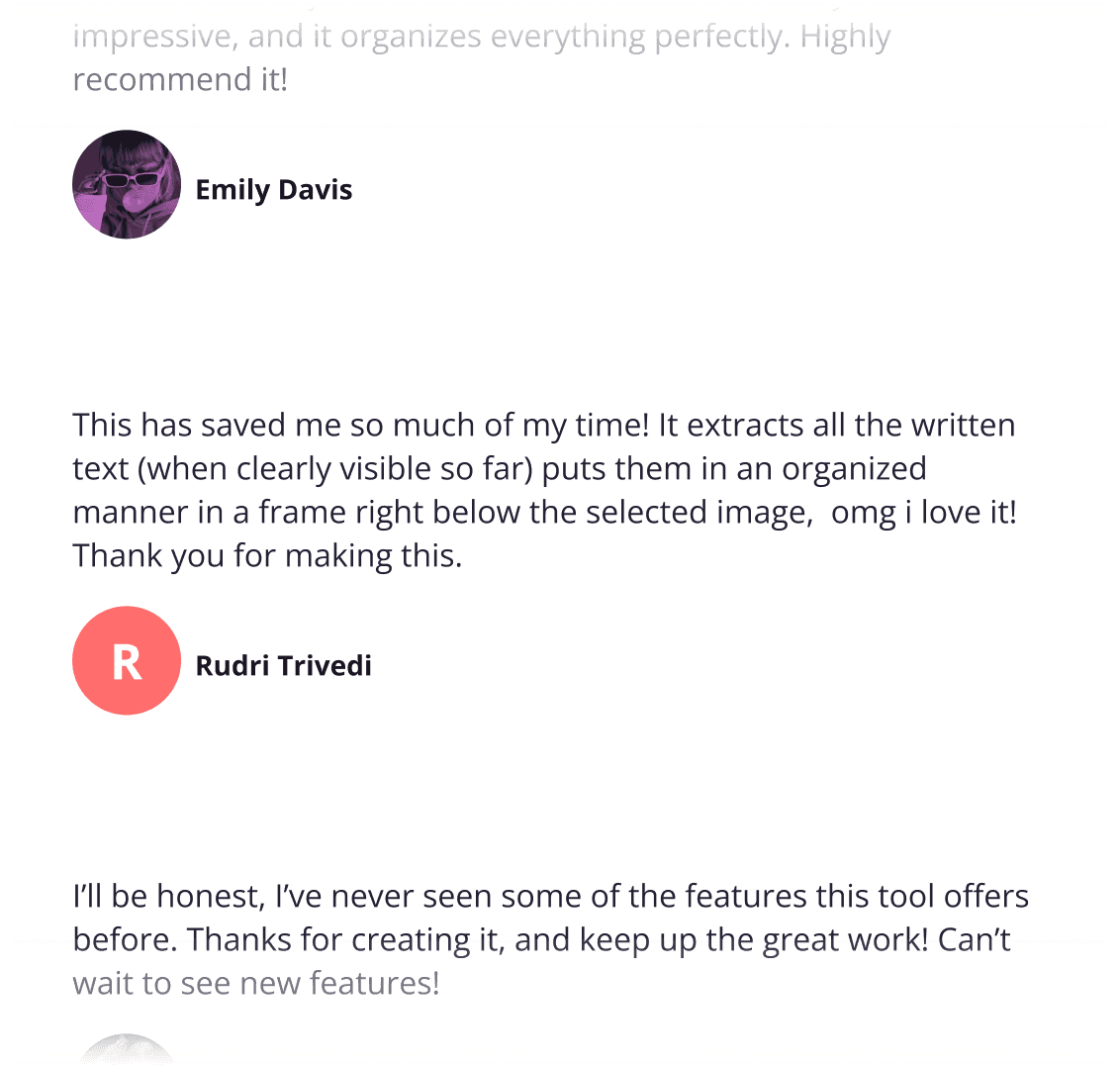
Testimonials

Choose your Pixelait plan

Yearly-30%
Monthly
Free
$0.00
UI Auditor
Screenshot basic analysis
1 image / month
Text Extractor
Extract English text
10 images / month
Lite
$4.99
UI Auditor
Screenshot basic analysis
Full Report
1 image / month
Text Extractor
Extract text of any language
300 images / month
Best Value
Pro
$11.99
UI Auditor
Screenshot basic analysis
Full Report
225 images / month
Text Extractor
Extract text of any language
300 images / month
24/7 email support
Unlimited
from
$44.99
UI Auditor
Screenshot basic analysis
Full Report
♾️
projects per month
♾️
images in a project
Text Extractor
Extract text of any language
♾️
projects per month
♾️
images in a project
24/7 email support

FAQ

You can convert PNG, JPEG, and JPG images into text.
Our AI-powered text extraction is highly accurate. For handwritten notes, the letters should be clear for optimal results. Even if some words are misspelled, our grammar and spell-check tool will suggest corrections.
Yes, the Premium plan has a limit. If you need to upload more images, you can delete your last photos and add more, or you can upgrade to the Premium Plus plan for increased capacity.
Yes, you can crop images. Simply select the rectangular area on the image that you want to focus on, and save it for text extraction.
The extraction speed depends on the language and text clarity. Handwritten texts or texts in different languages with complex fonts may take longer. If the font is old or in a different language, the extraction may stop. We recommend trying with another font and language if that happens.
We currently offer export formats in .txt, .svg, .pdf, and .zip.
Yes! The Premium version offers more capacity, allows you to check spelling and grammar mistakes, supports text extraction in different languages, retains tables and colors, paginates files, and provides font selection for exporting.
Yes! However, this feature is only available with Premium and Premium Plus subscriptions.
Yes, you can paginate your file, choose the most suitable font for exporting, and fix spelling and grammar mistakes before exporting.
We do not use your data for improvement. We store it solely for your convenience, and if you delete it, it will be permanently deleted from our system.

Explore More in Our Blog

Top Grammar and Spellchecker Tools Writers Use in 2026

Top Grammar and Spellchecker Tools Writers Use in 2026

Read more
Check My Grammar and Spelling in Seconds With These Tools

Check My Grammar and Spelling in Seconds With These Tools

Read more
How a Spelling and Grammar Check Improves Your Content

How a Spelling and Grammar Check Improves Your Content

Read more